So about a month ago I found a 200mm*200mm 100W fiber laser on Aliexpress for $3100, half off of (presumably) $6200. My googling suggested that $6000 was a normal price, so $3100 was a steal, if true. After some waffling, I went for it. I took some pictures of the components, did some testing. Overall, unless the laser is going to fail within the year or st, everything seems to be on the up-and-up, and I’m pretty pleased.
First, I (carefully) took apart the main controller/power unit and took pictures of all the bits. (Btw, it also came with some cables, allen wrenches, and safety goggles I didn’t fully trust and instead bought my own. Also a…monitor mount, or something???)
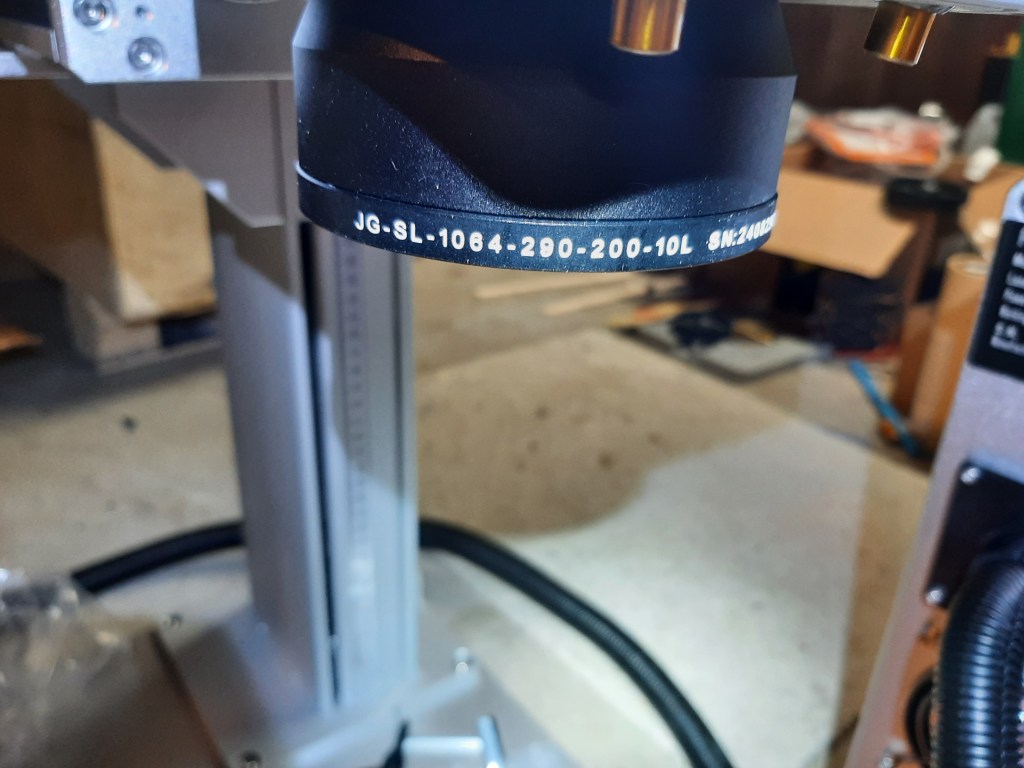
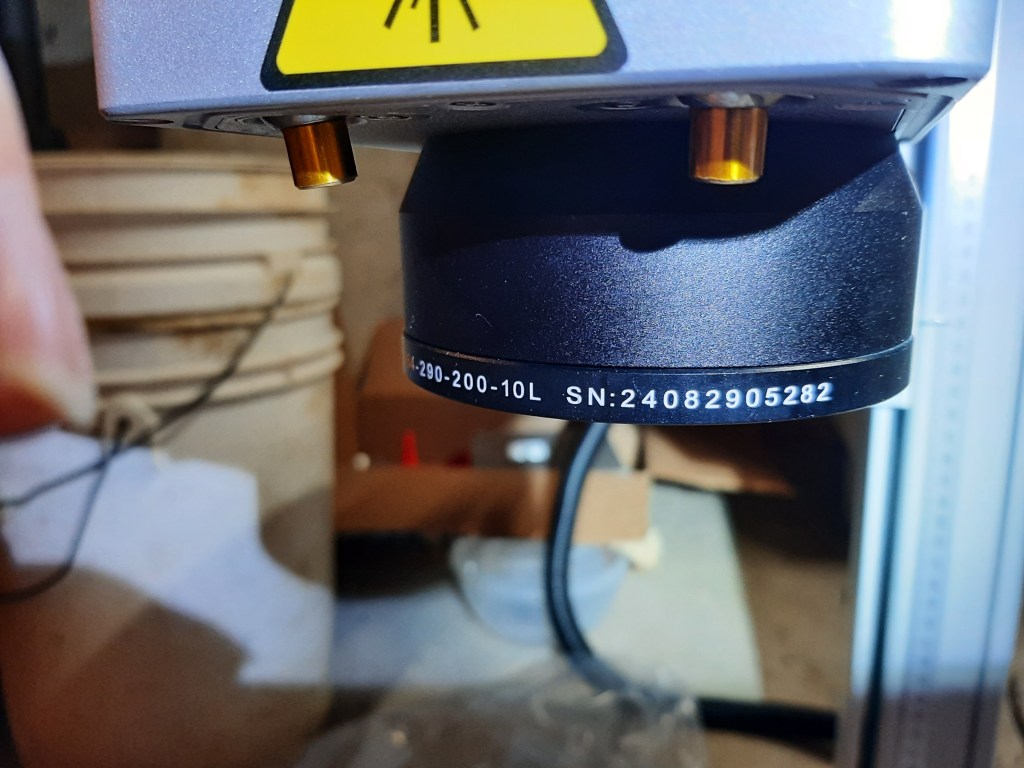
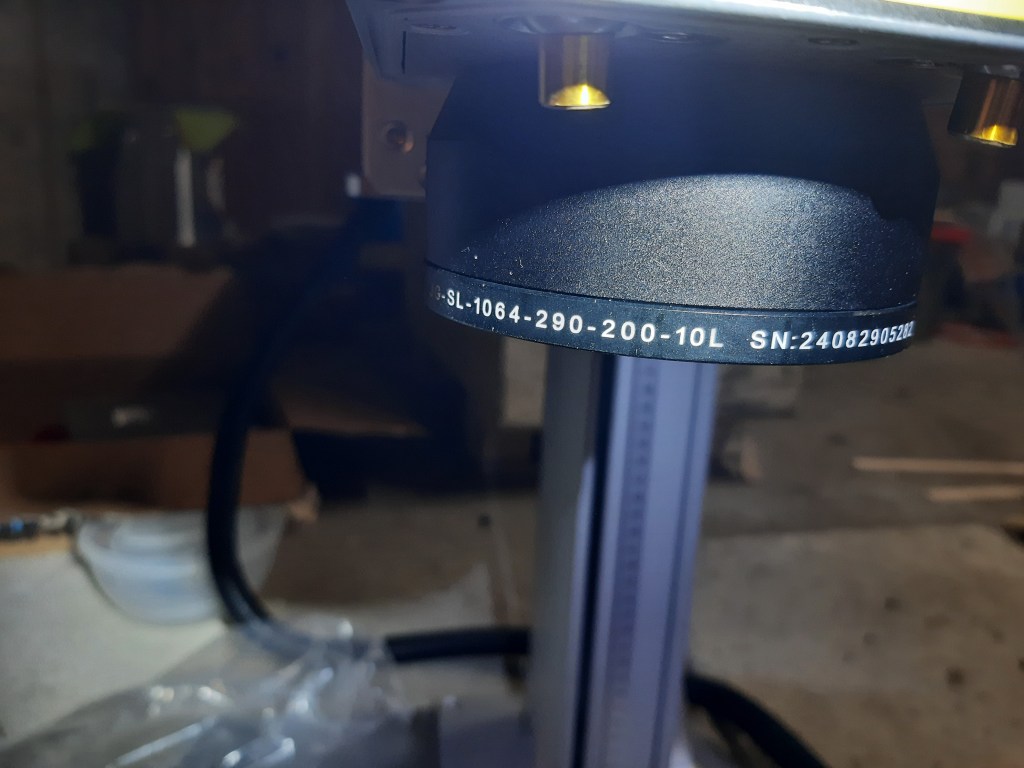
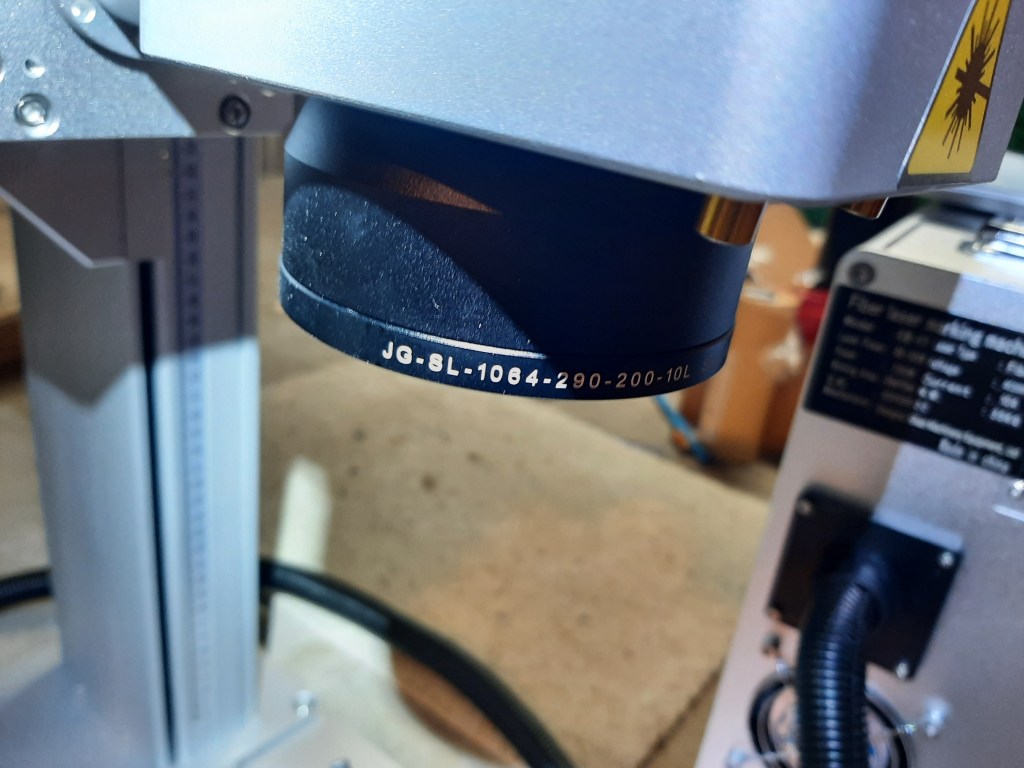


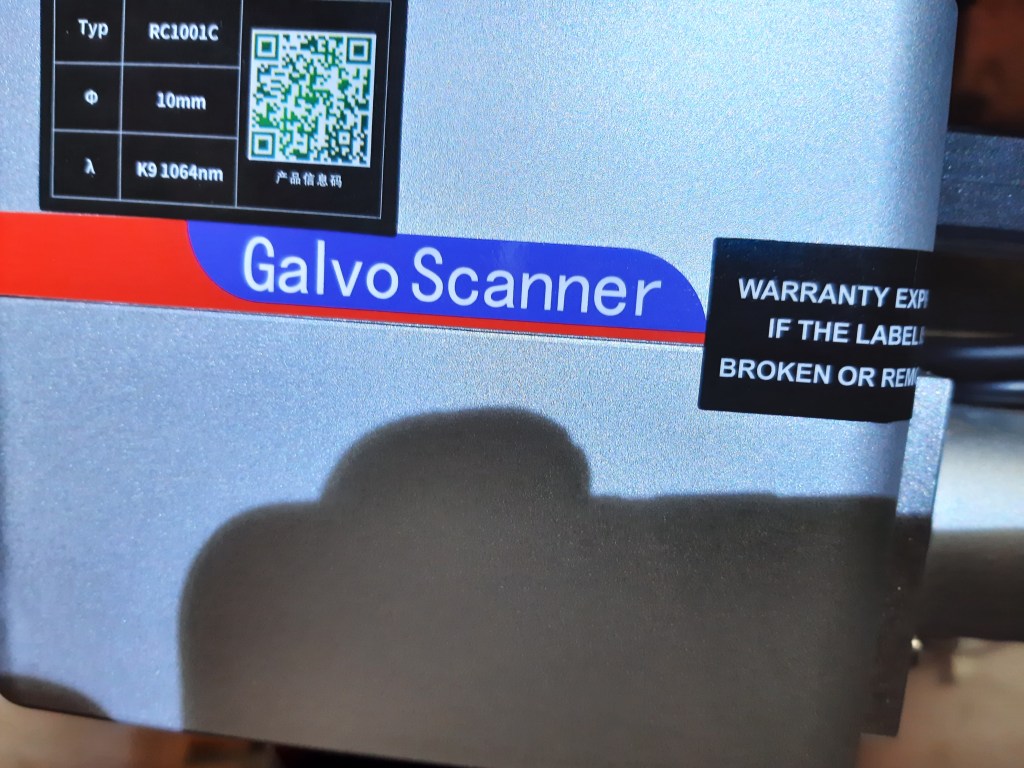
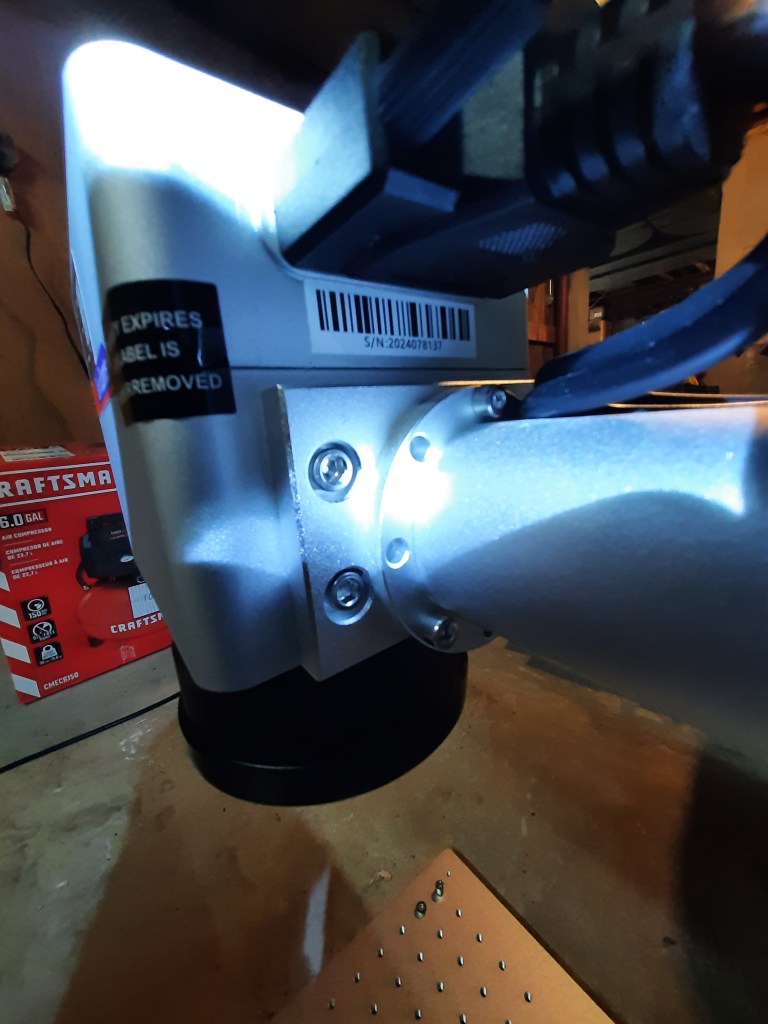
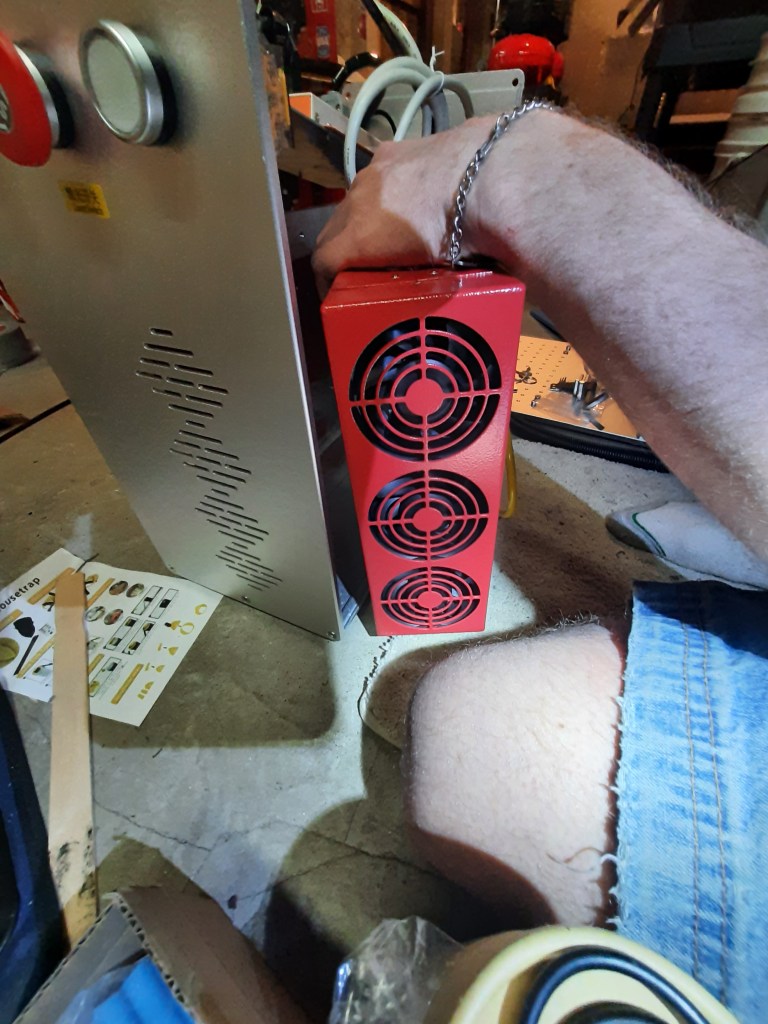

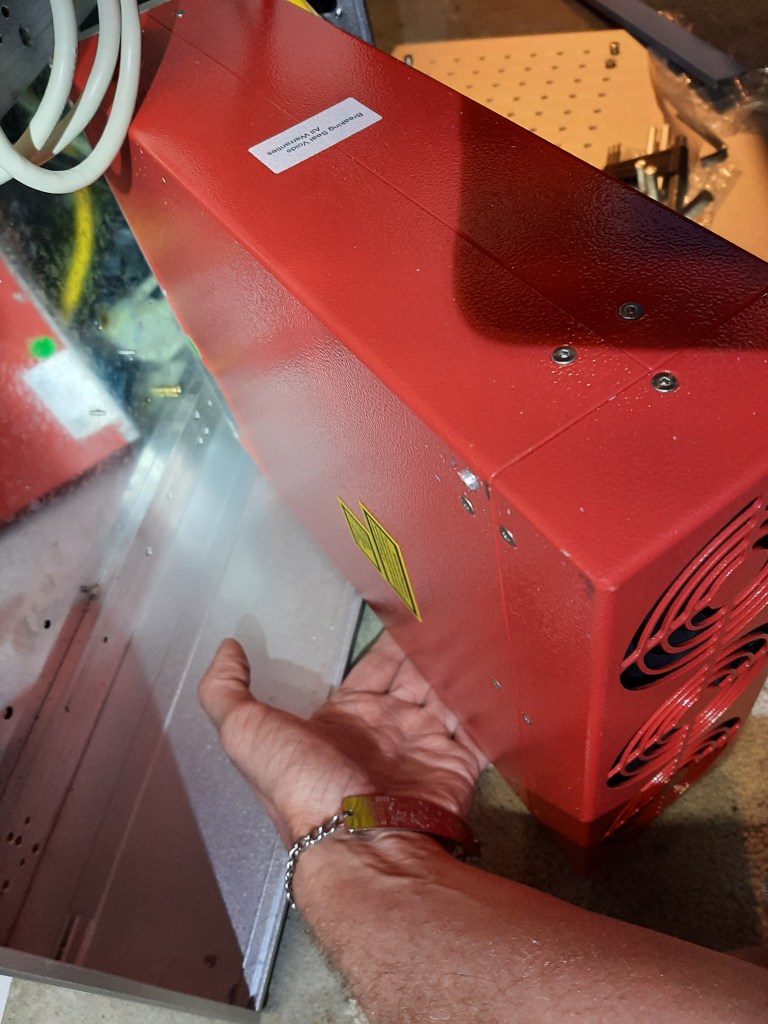
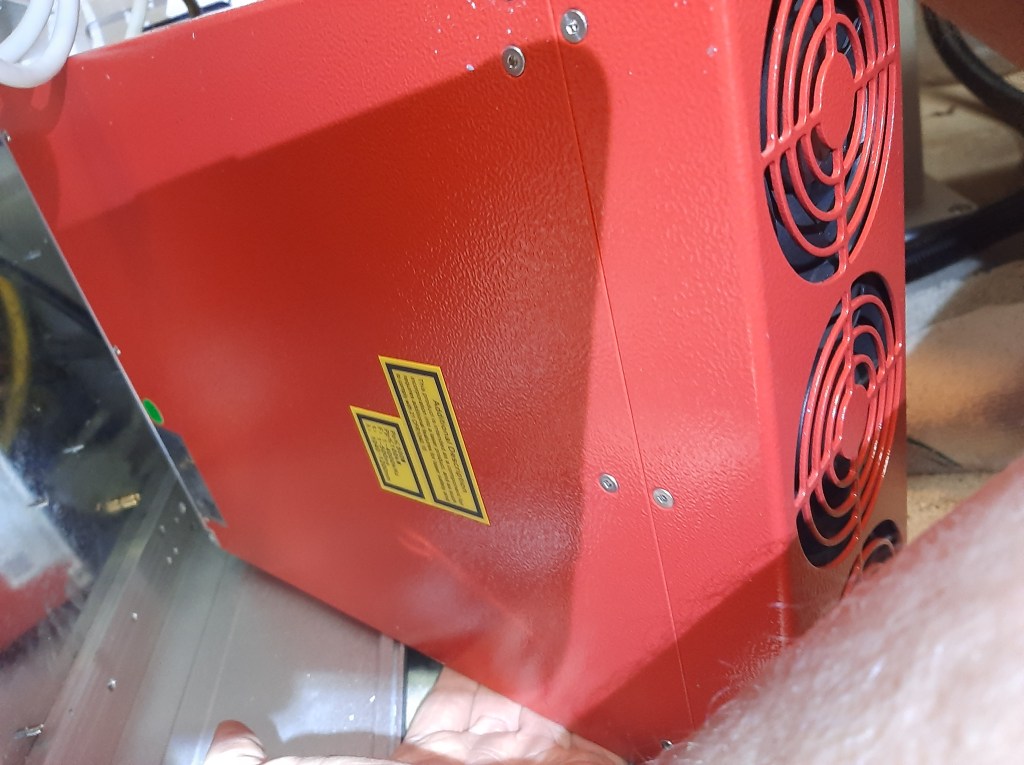
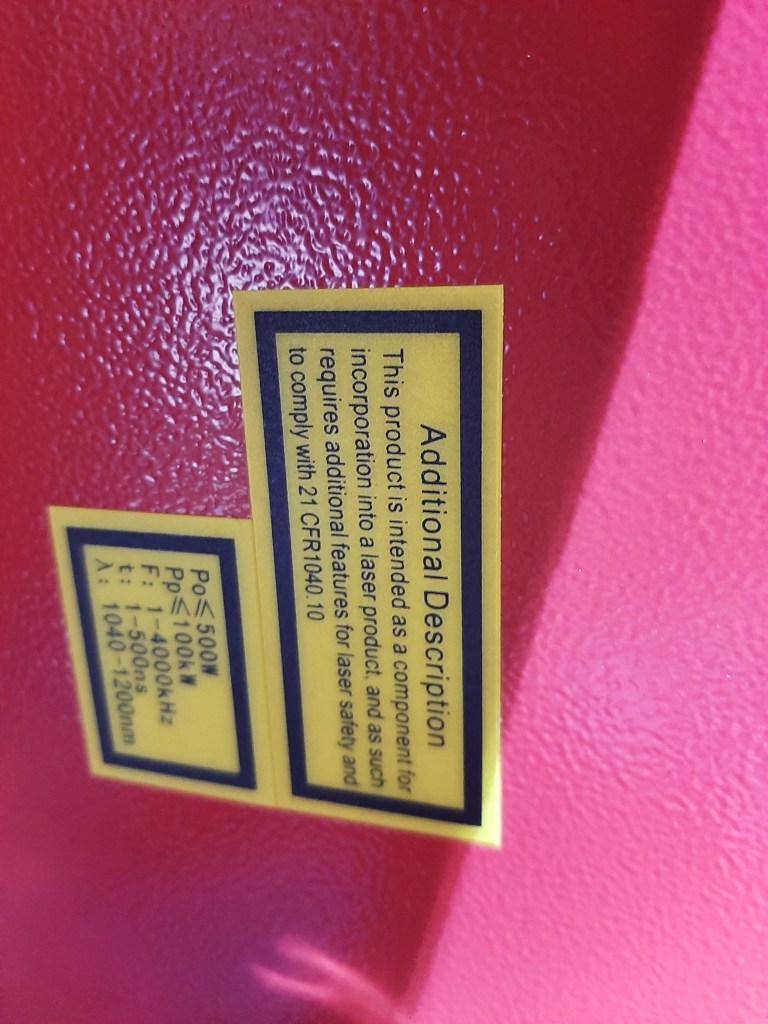

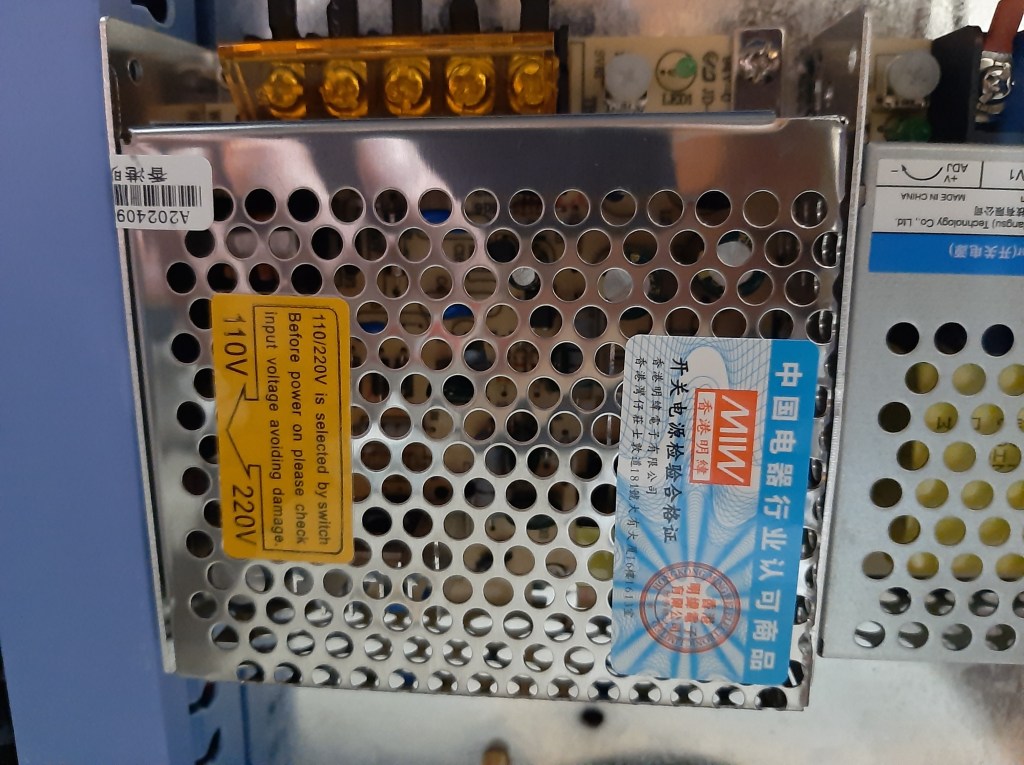
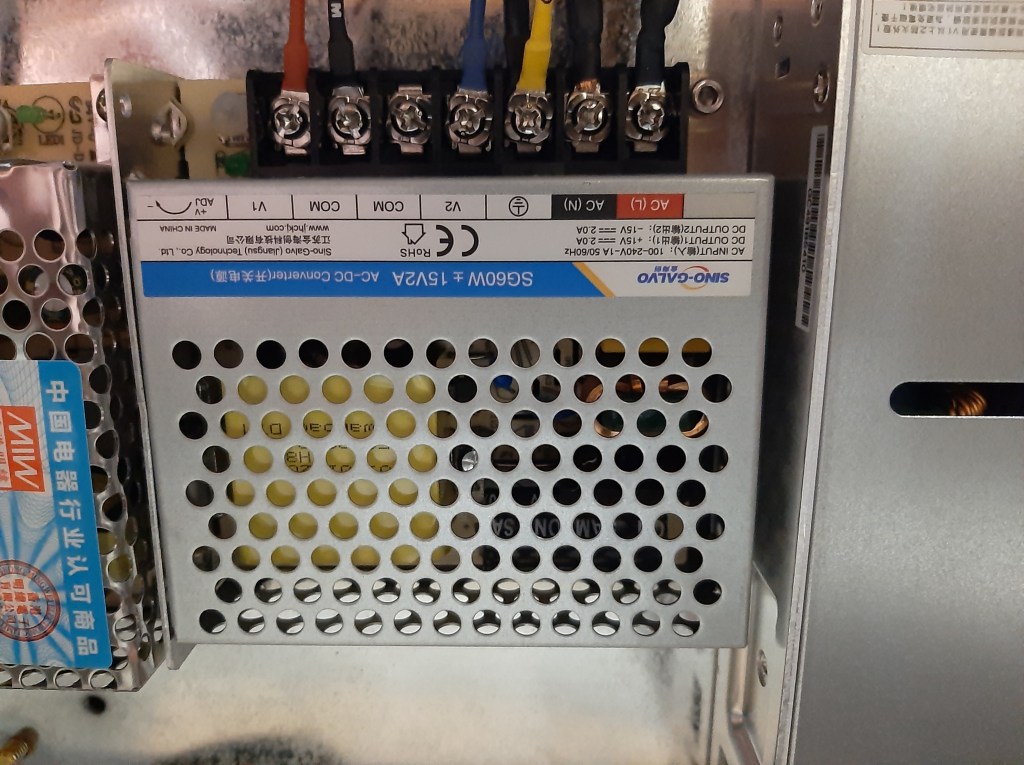
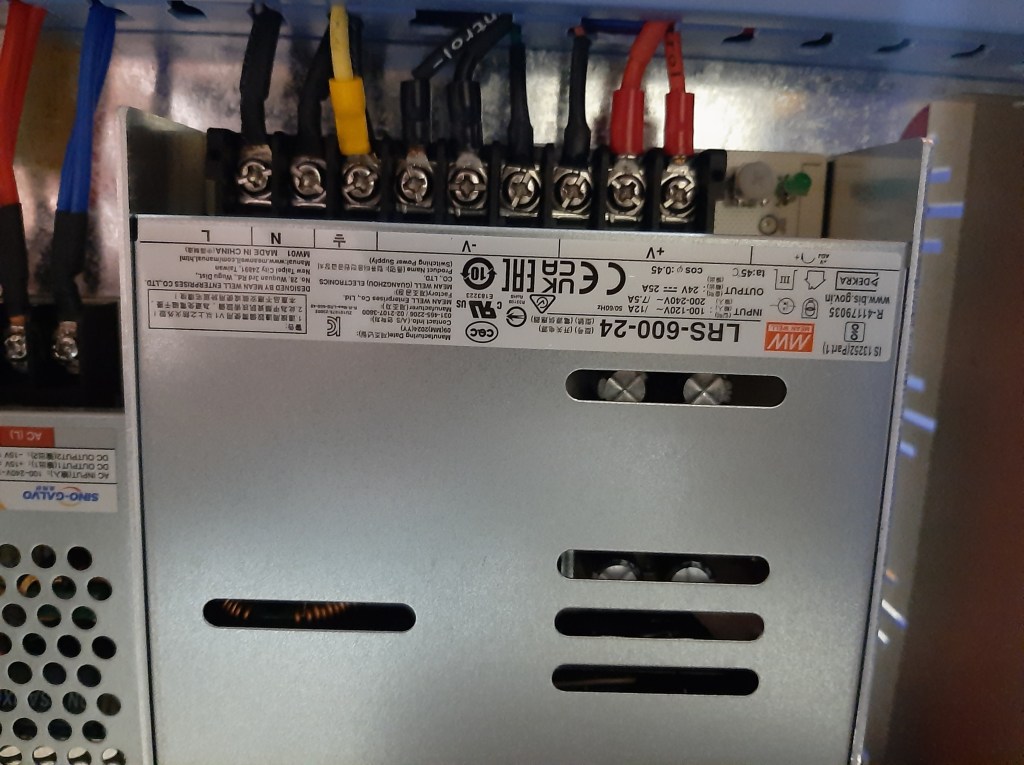


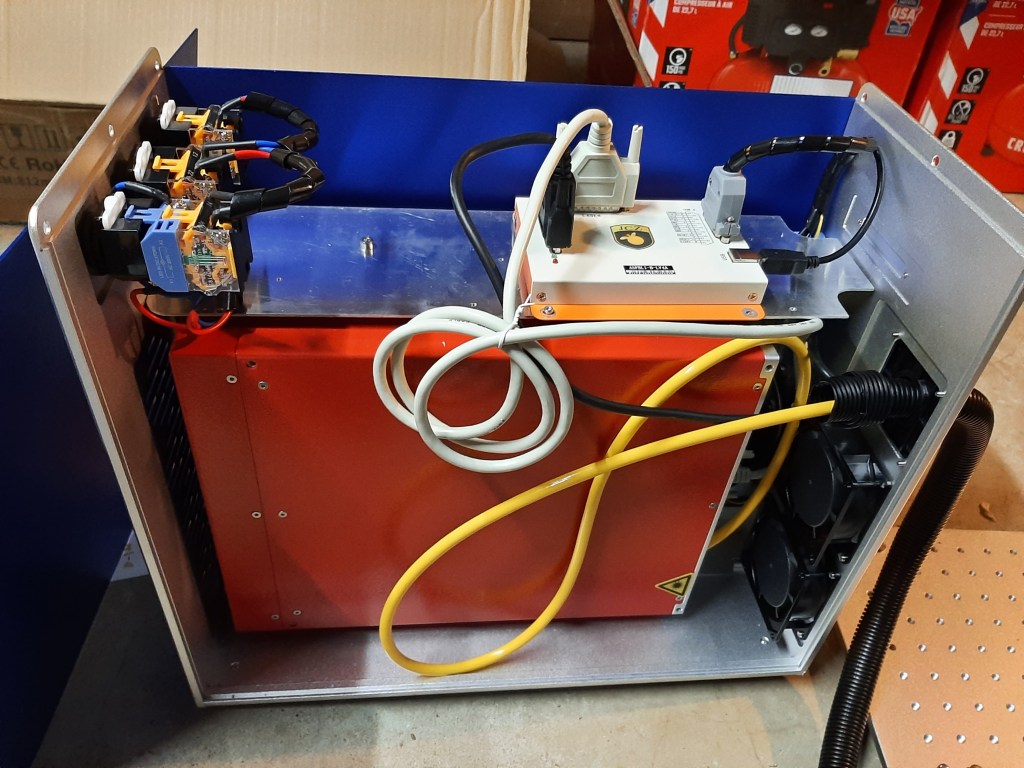


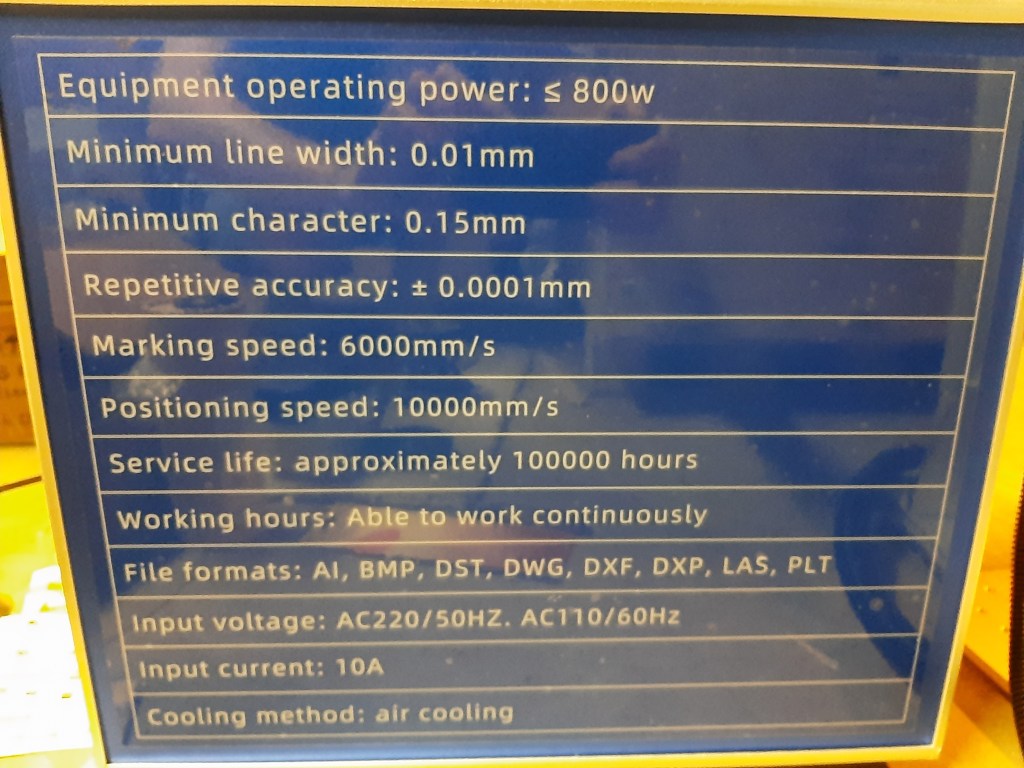


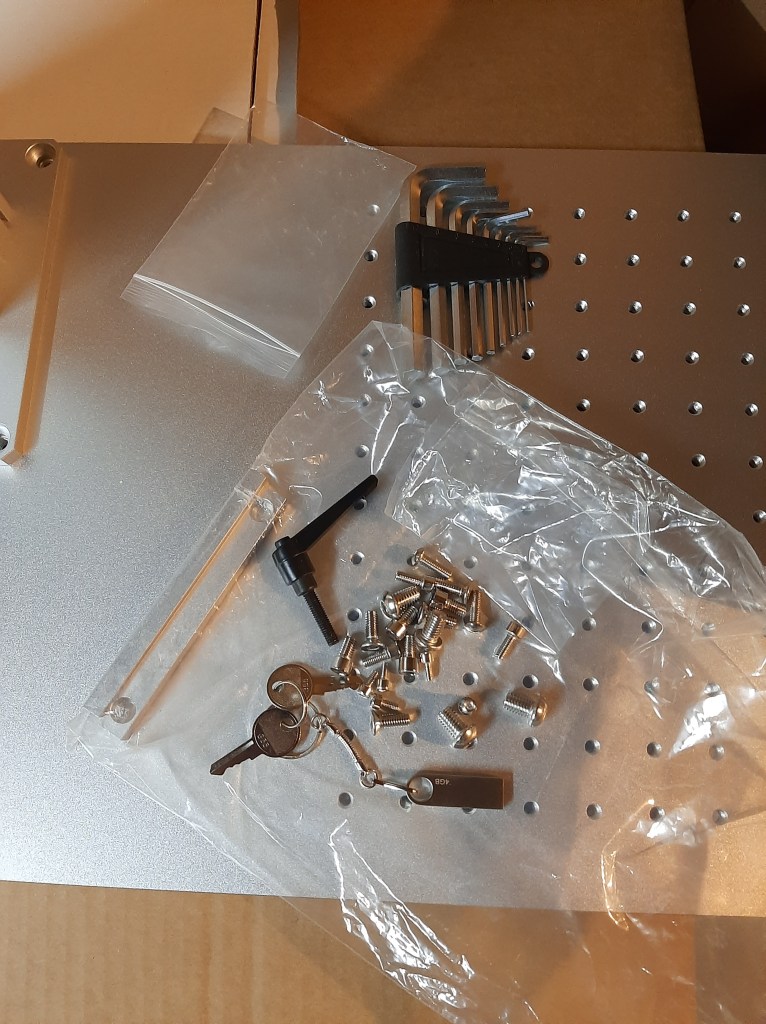


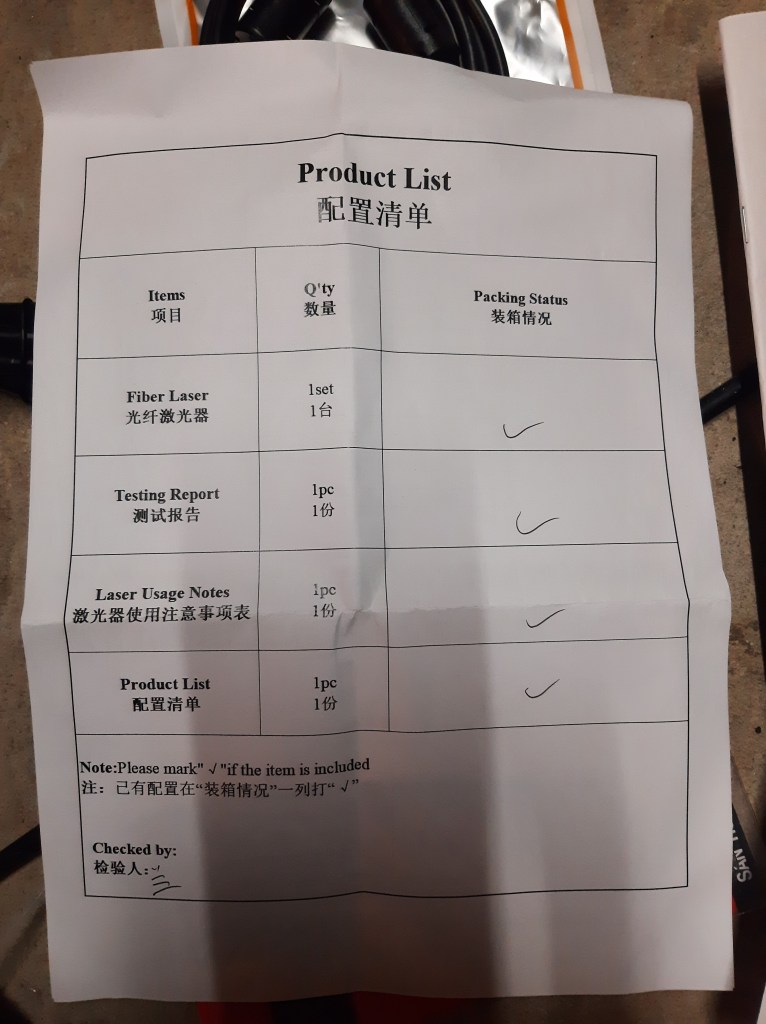


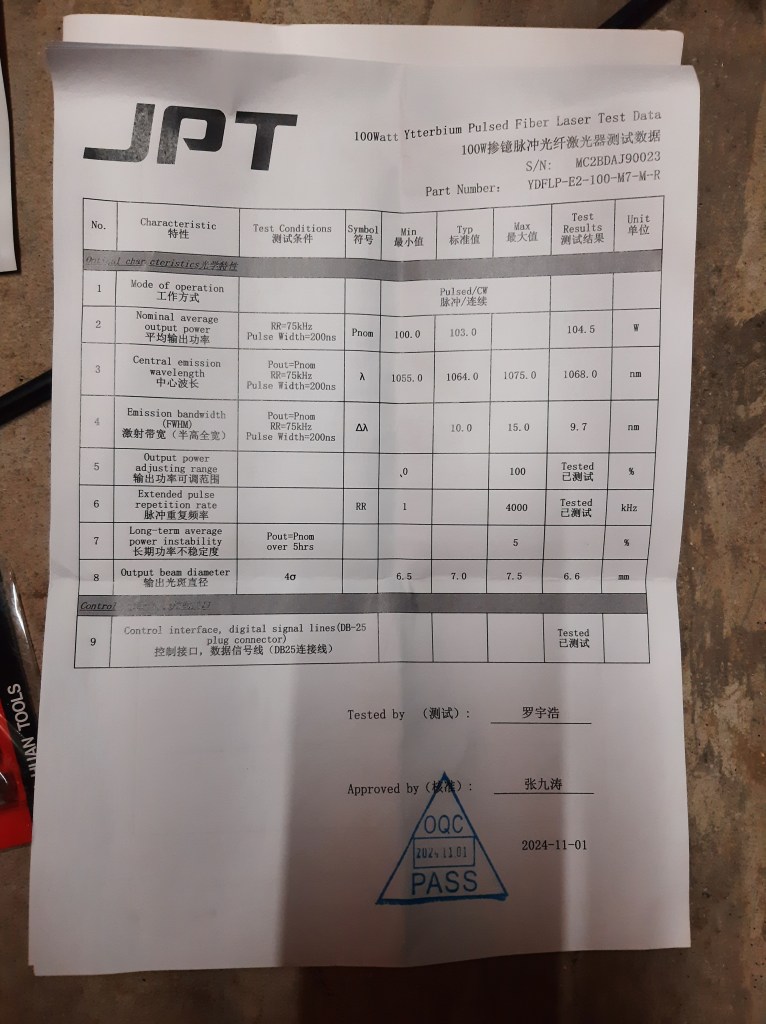
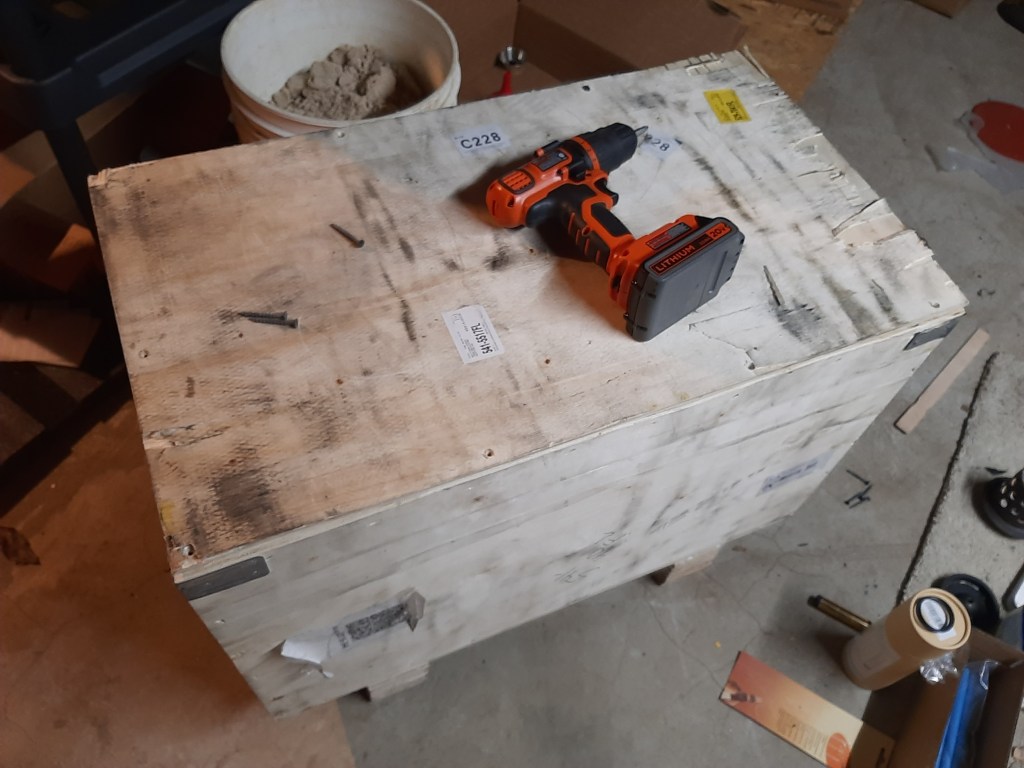
The test data sheets have some interesting graphs of power vs time at different pulse frequencies. All the labels, internal and external, line up with this being a 100W machine. To save you the trouble of typing them out, and for indexing purposes, here’s some model numbers I saw:
Controller: (BJJCZ) ASFBLI-B-LV4A
Laser: (JPT) YDFLP-E2-100-M7-M-R
Galvo: RC1001C
Lens: JG-SL-1064-290-200-10L
Note btw that the specs I found for JG-SL-1064-290-200-10 (no L, couldn’t find that) gave a scan size of 200mm*200mm (as did the laser listing) but when I typed that into Meerk40t (the controller software I’ve been using, on Linux) it was scaled wrong. It actually seems to be 240mm*240mm. Here’s a dump of the connection log, btw.
    Attempting connection to USB.
    Using LibUSB to connect.
    Finding devices.
    Galvo device detected:
    DEVICE ID 9588:9899 on Bus 003 Address 017 =================
    	 bLength                :   0x12 (18 bytes)
    	 bDescriptorType        :    0x1 Device
    	 bcdUSB                 :  0x200 USB 2.0
    	 bDeviceClass           :    0x0 Specified at interface
    	 bDeviceSubClass        :    0x0
    	 bDeviceProtocol        :    0x0
    	 bMaxPacketSize0        :   0x40 (64 bytes)
    	 idVendor               : 0x9588
    	 idProduct              : 0x9899
    	 bcdDevice              :    0x5 Device 0.05
    	 iManufacturer          :    0x1 BJJCZ
    	 iProduct               :    0x2 USBLMCV4
    	 iSerialNumber          :    0x3 20200507
    	 bNumConfigurations     :    0x1
    	  CONFIGURATION 1: 10 mA ===================================
    	   bLength              :    0x9 (9 bytes)
    	   bDescriptorType      :    0x2 Configuration
    	   wTotalLength         :   0x2e (46 bytes)
    	   bNumInterfaces       :    0x1
    	   bConfigurationValue  :    0x1
    	   iConfiguration       :    0x0
    	   bmAttributes         :   0xc0 Self Powered
    	   bMaxPower            :    0x5 (10 mA)
    	    INTERFACE 0: Vendor Specific ===========================
    	     bLength            :    0x9 (9 bytes)
    	     bDescriptorType    :    0x4 Interface
    	     bInterfaceNumber   :    0x0
    	     bAlternateSetting  :    0x0
    	     bNumEndpoints      :    0x4
    	     bInterfaceClass    :   0xff Vendor Specific
    	     bInterfaceSubClass :    0x0
    	     bInterfaceProtocol :    0x0
    	     iInterface         :    0x0
    	      ENDPOINT 0x1: Bulk OUT ===============================
    	       bLength          :    0x7 (7 bytes)
    	       bDescriptorType  :    0x5 Endpoint
    	       bEndpointAddress :    0x1 OUT
    	       bmAttributes     :    0x2 Bulk
    	       wMaxPacketSize   :  0x200 (512 bytes)
    	       bInterval        :    0x0
    	      ENDPOINT 0x81: Bulk IN ===============================
    	       bLength          :    0x7 (7 bytes)
    	       bDescriptorType  :    0x5 Endpoint
    	       bEndpointAddress :   0x81 IN
    	       bmAttributes     :    0x2 Bulk
    	       wMaxPacketSize   :  0x200 (512 bytes)
    	       bInterval        :    0x0
    	      ENDPOINT 0x2: Bulk OUT ===============================
    	       bLength          :    0x7 (7 bytes)
    	       bDescriptorType  :    0x5 Endpoint
    	       bEndpointAddress :    0x2 OUT
    	       bmAttributes     :    0x2 Bulk
    	       wMaxPacketSize   :  0x200 (512 bytes)
    	       bInterval        :    0x0
    	      ENDPOINT 0x88: Bulk IN ===============================
    	       bLength          :    0x7 (7 bytes)
    	       bDescriptorType  :    0x5 Endpoint
    	       bEndpointAddress :   0x88 IN
    	       bmAttributes     :    0x2 Bulk
    	       wMaxPacketSize   :  0x200 (512 bytes)
    	       bInterval        :    0x0
    Config Set
    Config Set: Success
    Getting Active Config
    Active Config: Success.
    Attempting to claim interface.
    Interface claim: Success
    USB Connected.
    Initializing Laser
    Serial Number: (0, 7, 6, 544) (0x0000000700060220)
    Version: (0, 33825, 9, 544)
    Reset
    Correction file set to blank.
    Laser Enabled
    Control Mode
    Laser Mode
    Delay Mode
    Timing Mode
    Setting Standby
    Set First Pulse Killer
    Set PWM Half-Period
    Set PWM pulse width
    Set Fiber Mo (Closed)
    First Pulse Killer Parameters
    On-The-Fly Res
    Z-Enabled
    Analog Port 1
    Z-Enabled-part2
    Ready
So far so good. I did some informal tests and such.

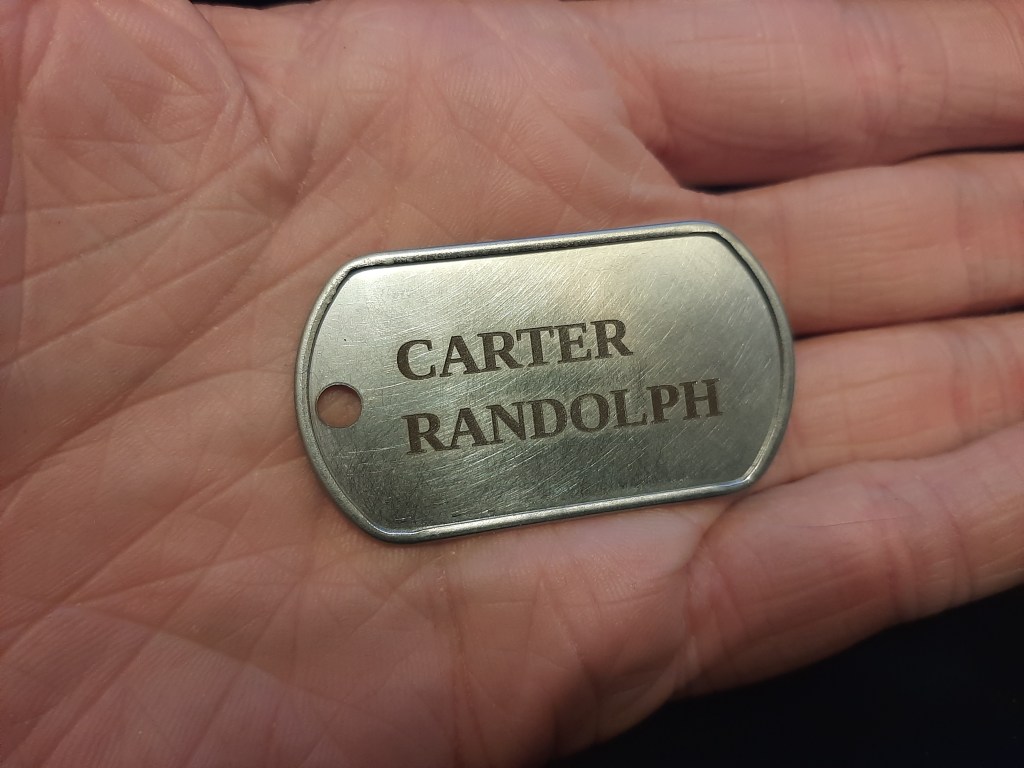
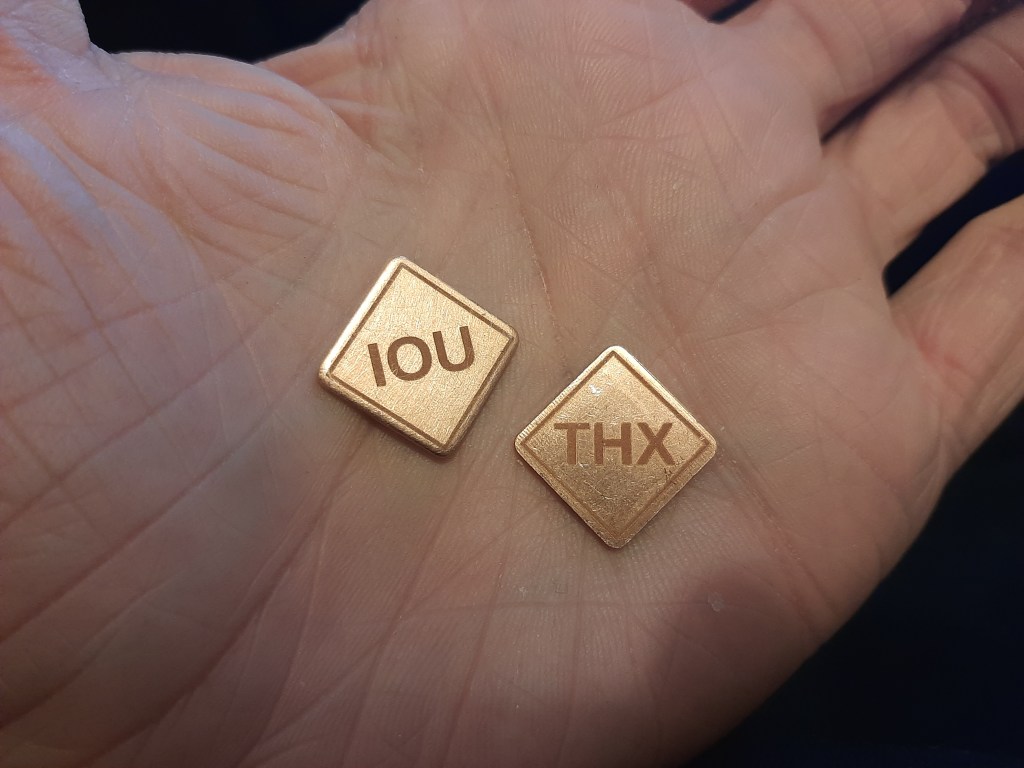


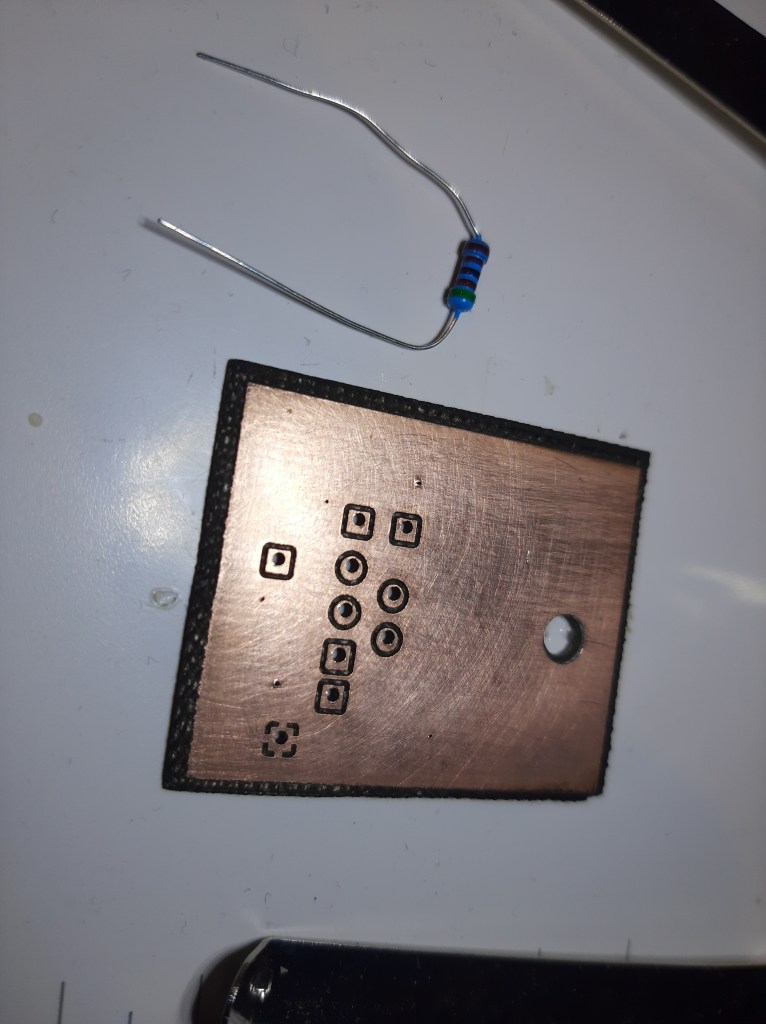
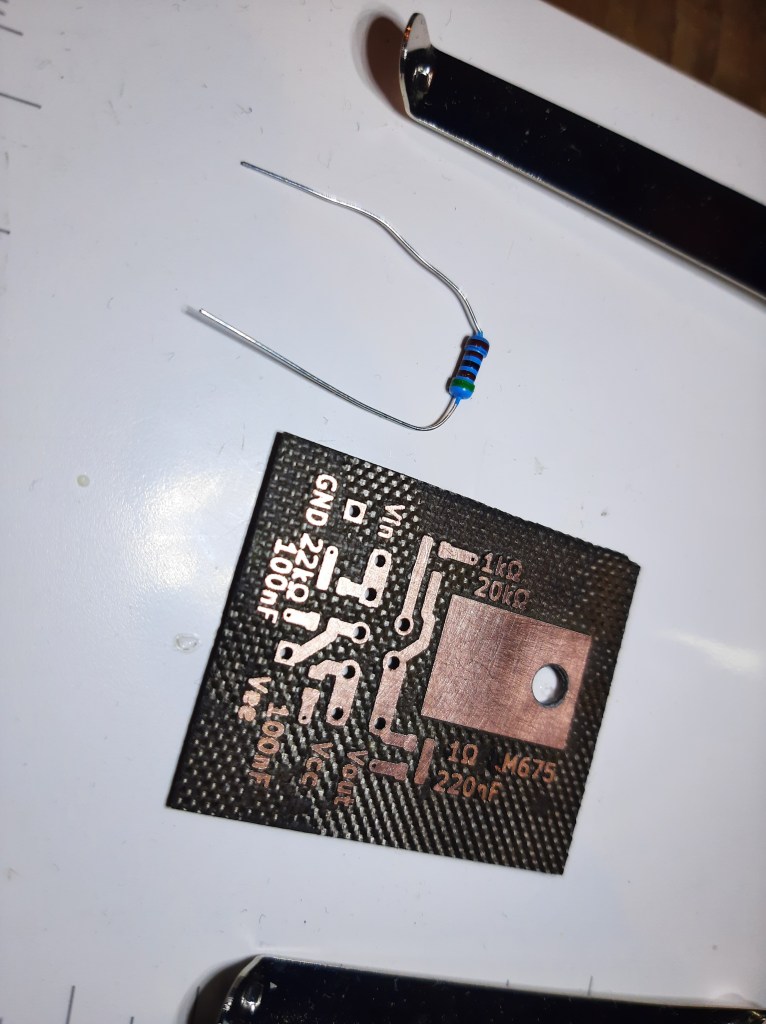
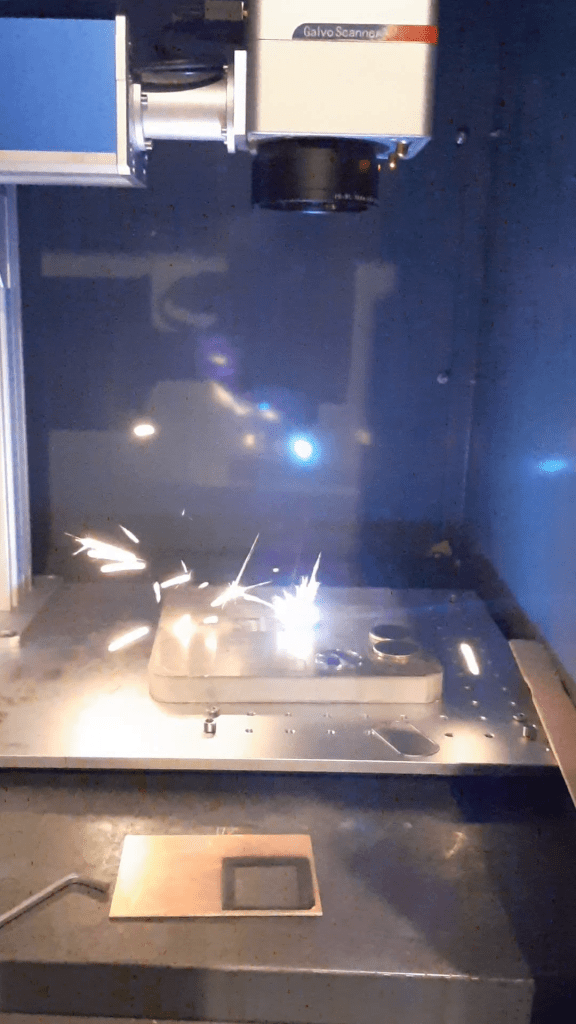
You’ll note I have a circuit in there – I read something about carbonization, and indeed, right off the laser I was getting like 60k resistance between tracks, but after scrubbing with a wire brush resistance was up to like 16M or (much) more, which seemed good enough for most purposes. Careful about holes you don’t want connected to the other side; I had to slightly countersink/deburr a hole to increase resistance. This was FR4, btw; I hear that FR1 is produces fewer fumes and generally gives a better result. Speaking of fumes, be careful of your fan – I had a fan with a carbon filter right next to the target, and in lasering some steel with new settings I was like, “Huh, there sure are a lot of sparks. Going straight into the activated carbon filter. ….” Indeed, the filter started smoldering, and before long was a pile of ashes and smoke filling the enclosure. The fan did not survive. (I caught this early on, and stopped the laser for fear of damaging the lens, but mostly I just tried to vacuum up the smoke.)
I did, however, do a set of formal tests. I built a thermal power meter – I took a slab of steel, drilled a hole in one end, added a thermometer and controller board. On one side I stuck a silicone heater pad, and the other side I spraypainted black, to absorb light. (This was in vain, because even very out-of-focus the laser ablated the spraypaint, and I settled for etching the surface into a darkish brown rust color. I speculate that the extremely short pulse duration is why the paint ablated, very quickly, despite the low average power – the top layer didn’t have time to distribute the heat into the steel, and just vaporized. Feels like an insight into how pulsed lasers work, and also feels like a glimpse of hidden dangers.) I connected the controller to my computer to log temperature. I left the block in place overnight, before each real test, in order for the temperature to stabilize. I moved the lens real close to the surface, to defocus it so less energy went into vaporizing metal that would carry away heat, and instead heat metal in-place. I used a variac and socket power meter to add 100W of heat to the block for ~13.5 minutes (at which point the heater turned off), collecting the temperature data. I also tested some laser settings to see which pulled the most watts from the socket, on the theory that that would give the best chance of outputting the most laser power as well. Here’s a table. Note: I don’t know how Meerk40t/Balor deals with pulse width – I tried setting a custom pulse width a time or two but nothing seemed to change. One of the text fields said “4ns” always – I don’t know if that’s what the value actually was, or if that’s merely the value it would default to if you were to set a custom value. Anyway, that’s what “4ns?” means.
| Speed (mm/s) | Power (%) | Freq (KHz) | Pulse (ns) | Power (W) | Comment |
| 51.5W | Baseline | ||||
| 53W | Outline on | ||||
| 4000 mm/s | 80% | 60KHz | 4ns? | 260W | |
| 4000 mm/s | 100% | 60KHz | 4ns? | 304W | |
| 400 mm/s | 80% | 60KHz | 4ns? | 276W | |
| 400 mm/s | 100% | 120KHz | 4ns? | 377W | ->384 with fan |
| 400 mm/s | 100% | 1000KHz | 4ns? | 385W | Fan was on |
Notably, there was an increase from 60KHz to 120KHz but not from 120KHz to 1000KHz. I didn’t try to optimize the settings too hard.
I took the results and plotted them, after shifting the timestamps so they lined up, and adding 0.75*C to the laser test so it started on the same level as the heater control test. Both graphs were remarkably linear, btw. The blue is the heater, the orange is the laser. The major x-axis divisions are 60 seconds, the minor are 10 seconds. The y-axis is in *C. Find the spreadsheet file at the end of the post.
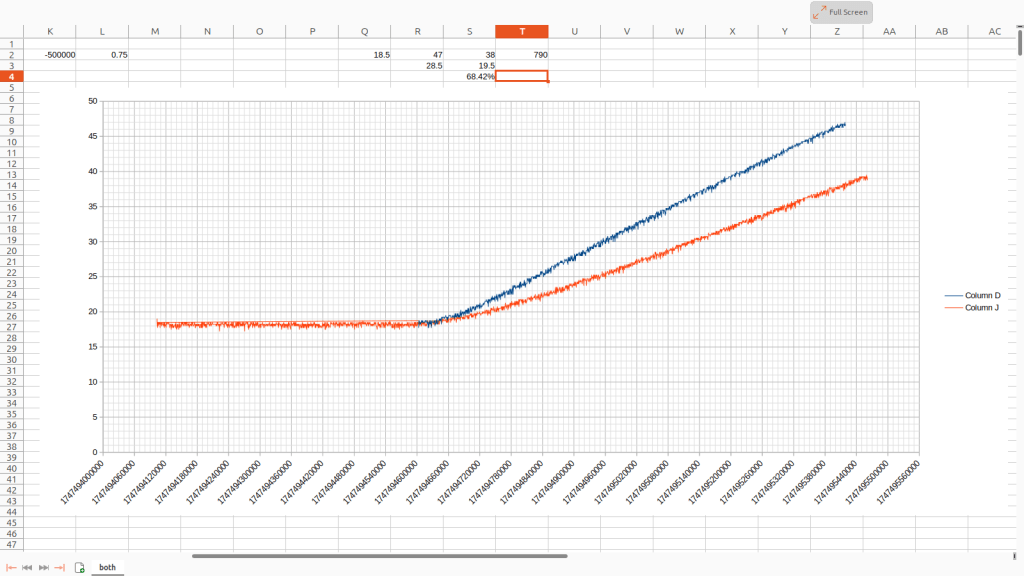
The bottom line is that the block absorbed about 70W from the laser. Given that I hadn’t really investigated all the settings that thoroughly, and that the brown oxide coating wasn’t absorbing all the light, this seems a pretty decent result, and seems plausibly in-line with the laser having a max output of 100W.
The only remaining questions I have, really, are whether the problems I’ve had setting pulse duration are the laser, my software, or me (and whether the laser can do that color marking thing ppl are so enamored by) ; and whether the laser’s lifespan is shorter than promised. It says 100000 hours on the side of the case, haha, which works out to like 10+ years of continuous use??? I’ve seen a few comments online about reported hours used, but so far I’ve found no way of checking that for my laser, so maybe I’ll just have to see how it holds up over time. I’ve been using it at 80%, since I hear using it at 100% disproportionately wears it out. In any case, so far it seems to do what I wanted; I suppose time will tell whether it continues to do so. Hopefully this information is useful to somebody. Ta-ta.
 Highly Questionable Ideas